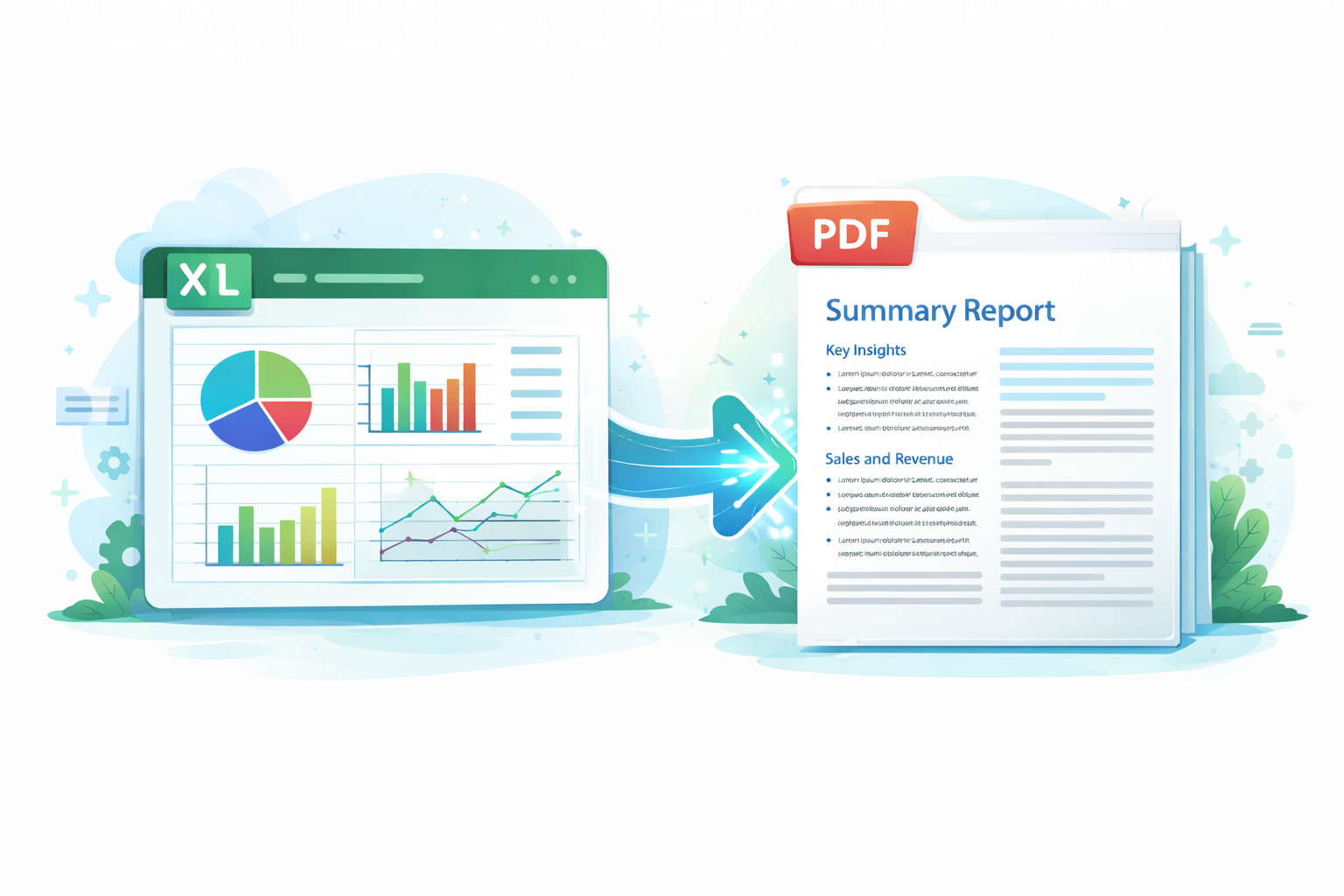
📘 Understand Any Workbook

Upload Excel, get a clean, plain-English report powered by custom AI.

🤖 Custom AI
⚡ Instant summaries
📝 No jargon
Get Started

🚀 Generate Your Workbook Summary

Upload a .xlsx file and our custom AI will produce a clear report anyone can understand.

Choose file or drag & drop a workbook here!
.xlsx up to 100MB
Private by default
Instant summary

✨ Why Choose Excel Explainer?

⏱️
Save Hours

Upload and get instant, plain‑English insights.

Reliable Insights

AI explains tables, formulas, and trends clearly.

👥
For Everyone

No Excel expertise required.

🛠️ How It Works

1
Upload

Send your .xlsx workbook.

Upload
2
Analyze

AI reads sheets, numbers, formulas, and trends.

Analyze
3
Report

Get a clear, structured PDF summary.

Report

📦 Key Features

📊 Full Workbook Analysis

Reads multiple sheets in one upload and handles complex datasets.

🧠 AI‑Powered Explanation

Converts raw tables into written insights and performance highlights.

📄 PDF Report Generation

Produces clean, professional summaries ready to share.

⚡ Instant Results

No manual analysis. Get insights in minutes.

🔒 Secure & Private

Files processed safely with business‑grade confidentiality.

🧩 Works Across Use Cases

Finance, sales, inventory, operations, projects, budgeting, reviews.

🎯 Works For Any Use Case

Finance Sales Inventory Operations Project Tracking Personal Budgeting Data Reviews

🏢 Benefits for Businesses

Save Time & Reduce Workload

Automate reporting and analysis to free staff for higher‑value work.

Make Better Decisions Faster

Clear insights help leadership act confidently and quickly.

Reduce Human Error

Avoid mistakes from manual calculations and misread spreadsheets.

Improve Reporting

Deliver polished summaries for non‑technical stakeholders.

Lower Costs

Cut time spent on analysis and repetitive reporting tasks.

Scale Across Teams

Ideal for finance, operations, sales, and executive reviews.

👤 Benefits for Individuals

No Excel Expertise Needed

Understand spreadsheets without formulas or pivot tables.

Save Hours

Turn large spreadsheets into summaries instantly.

Understand Your Data

Budget tracking, performance, coursework, research, and personal finance.

Share Professional Reports

Generate PDFs suitable for clients, teachers, or partners.

💰 Pricing — Choose the Plan That Fits Your Needs

Turn Excel workbooks into clear, AI-generated PDF summaries. Start free, pay as you go, or save more with a subscription.

🆓 Free — Try Excel Explainer £0 — 1 Upload Total
£0/one-time
Try Free
  • ✔ 1 Excel workbook upload
  • ✔ AI-generated summary
  • ✔ PDF export
  • ✔ Great for testing the service
  • Basic summary only
  • Standard processing speed
  • Watermark on PDF
💳 Pay As You Go — No Subscription £1 per upload
£1/upload
Pay Per Upload
  • ✔ Full AI summary
  • ✔ Full PDF export
  • ✔ No commitment
  • ✔ Pay only when you need it
  • ✔ Standard processing speed
🧑 Starter — £4.99/month Best for individuals & freelancers
£4.99/mo
Get Starter
  • ✔ 6 uploads per month
  • ✔ Full AI summaries
  • ✔ Full PDF export
  • ✔ Faster processing
  • ✔ No watermark
  • ✔ Email support
⭐ Standard — £9.99/month (Recommended) Balanced value for regular users
£9.99/mo
Get Standard
  • ✔ 15 credits (≈ 15 uploads)
  • ✔ Full AI summaries
  • ✔ Full PDF export
  • ✔ Faster processing
  • ✔ No watermark
  • ✔ Email support
🏢 Business — £29/month ⭐ Most Popular Best for small businesses & professionals
£29/mo
Get Business
  • ✔ 50 uploads per month
  • ✔ Priority processing
  • ✔ Large Excel file support
  • ✔ Advanced insights (trends, anomalies, KPIs)
  • ✔ Commercial use
  • ✔ Priority support
🏦 Pro — £79/month Best for heavy users, teams & agencies
£79/mo
Get Pro
  • ✔ 150 uploads per month
  • ✔ Fastest processing
  • ✔ Batch uploads
  • ✔ Custom PDF branding
  • ✔ Highest priority support

🧠 Simple Feature Difference Summary

Feature Free Pay As You Go Standard Starter Business Pro
Excel uploads1 totalPer upload15/mo6/mo50/mo150/mo
AI summary
PDF export
Watermark
Processing speedStandardStandardFastFastPriorityFastest
Large filesLimited
Advanced insights
Commercial use
Batch uploads
Team access
Custom branding
Priority support

📈 Why Excel Explainer Beats Manual Excel

Manual Excel
  • Time‑consuming
  • Error‑prone
  • Requires advanced skills
  • Hard to summarize
  • Raw data only
Excel Explainer
  • Instant results
  • AI‑driven accuracy
  • No expertise needed
  • Auto‑generated reports
  • Clear written insights

👥 Who It’s For

Business Owners Finance & Accounting Sales Teams Analysts & Consultants Students & Researchers Freelancers Anyone Using Spreadsheets

🧪 Example Use Cases

Monthly Sales Summaries Financial Statement Breakdown Inventory Trends Budget & Expense Analysis Client‑Ready Data Summaries KPI Dashboards

Frequently Asked Questions

What does the summary include?
A plain-English report covering purpose, audience, sheet-by-sheet explanation, system overview, key findings, risks, and recommendations.
How is my data handled?
Files are processed securely and results are generated on demand. You can download outputs or remove them anytime.
Which files are supported?
.xlsx Excel workbooks. Support for CSV and Sheets export is planned.
Can I share the report?
Yes. Use the Open Report link to share or print; JSON files are available for technical reviews.